Two tabs, two different things
Media has two tabs that work differently:
- Images: pictures you upload or that arrived from a connected platform, for use in emails.
- Videos & recordings: videos and audio KeyMetriq has detected and tracks. KeyMetriq does not host these. It watches them.

Images
The header counts how many images you uploaded and how many came from a connected platform. Filter by:
- Origin: All, My uploads, or a connected platform.
- Kind: My uploads, Photos, Logos, Icons or Email images.
- Type: PNG, JPG, GIF.
Sort by Newest, Oldest, Name or Largest.
Search matches file names and alt text. The page says so directly, and adds the caveat that matters: images synced from an email platform usually have coded names, so use the Kind and Origin filters or browse visually to find those.
Three display options make a large library manageable: Hide icons & chrome, Group duplicates (which shows a count badge on repeats) and Group by origin.
Inside an image
Selecting an image shows its Dimensions, Size, when it was Uploaded, its Public URL and Used in, which counts the emails referencing it. Click the name to rename it.
Images managed by an external platform are marked as such and are edited there, not here.
Deleting asks for confirmation and cannot be undone. Check Used in first.
Videos and recordings
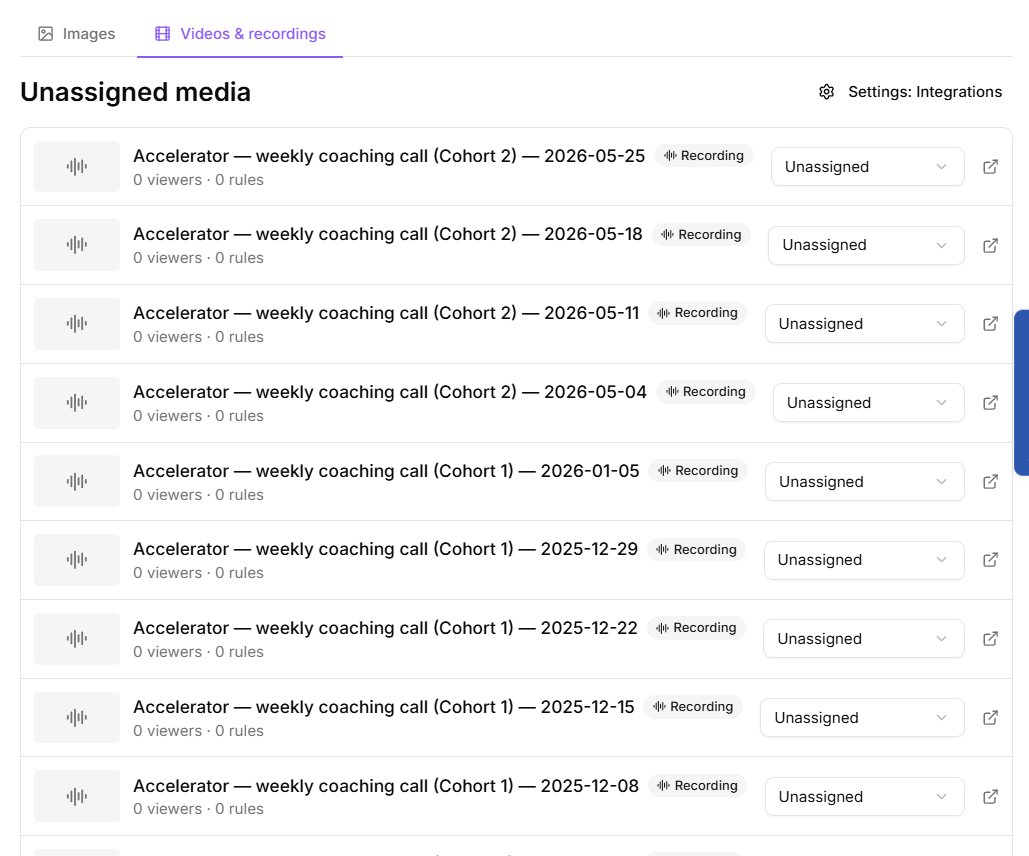
The second tab lists tracked videos and audio. Each entry shows its duration, how many viewers it has, its average completion, and how many rules are attached.
You can assign each one to a project, and filter to View unassigned only, which is the quickest way to find media nobody has filed yet.
Where videos come from
Videos appear here automatically once a visitor plays a tracked embed on a page carrying your tracking snippet. That only happens when the Video tracking switch under Settings > Features is on, and it is off in a new workspace. Nothing is uploaded and no list is maintained by hand. See "Uploading and adding media".