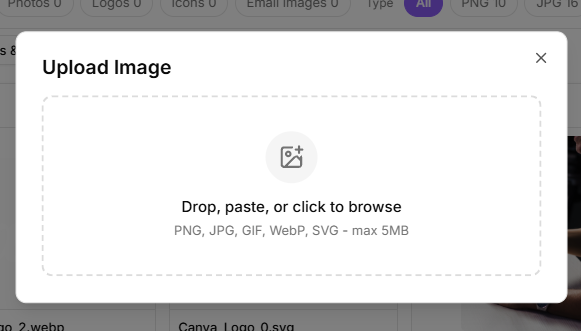
Uploading an image
- Go to Media and open the Images tab.
- Select the upload control.
- Drop a file, paste one from your clipboard, or click to browse.
Accepted formats are PNG, JPG, GIF, WebP and SVG, up to 5 MB per file.
Inserting an image into an email
In the campaign editor, select Insert image. The picker offers several tabs:
- Upload: add a new file there and then.
- Library: pick something already in your media library.
- Dropbox and Google Drive, when those are connected.
Select the image and insert it.
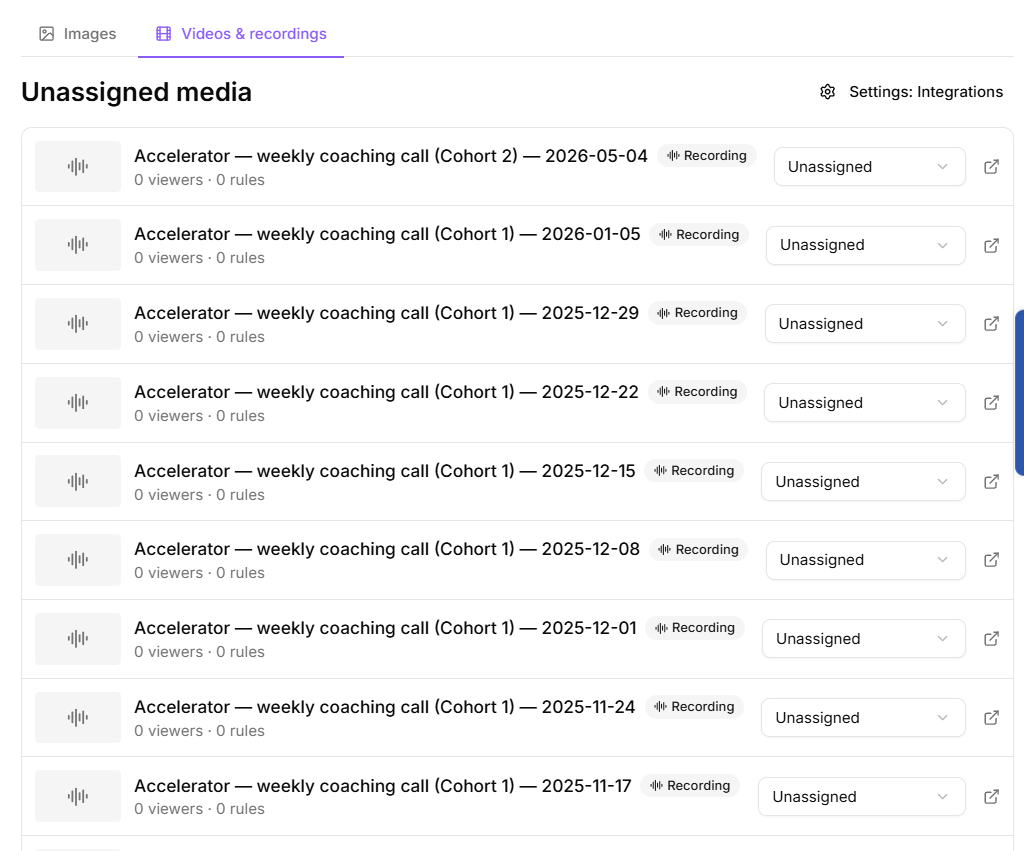
Videos are not uploaded
KeyMetriq is not a video host. There is no video upload, and no video player to publish. Detection only happens when the Video tracking switch under Settings > Features is on, and it is off in a new workspace. Turn it on first. Videos then reach the library one of two ways:
- Detection. A visitor plays a video or audio embed on a page carrying your tracking snippet, and KeyMetriq records it. Tracked embed types include YouTube, Vimeo, Wistia and SoundCloud. The video appears in the library on its own, with viewer numbers attached. The video must be embedded, meaning a player sits on the page. A link to a video is not an embed, and sending an email is not part of it at all.
- Connected storage. Recordings you already keep in Dropbox can be linked and played inside KeyMetriq once Dropbox is connected. They arrive through a coaching cohort's Recordings card: Choose folder picks the Dropbox folder that holds them, and Scan now imports what is there. Linking a Dropbox file in an email does nothing. See "Connecting Dropbox" in Integrations.
What this means in practice
Keep hosting your videos wherever you host them now. Turn on Video tracking under Settings > Features, publish the embed on a page that carries your tracking snippet, and KeyMetriq starts collecting watch data without any further step.
If a video you expect is not in the library, the cause is almost always one of three things, in this order:
- The Video tracking switch under Settings > Features is off. This is the silent one: the snippet still runs and the page looks tracked, but KeyMetriq records no video until the switch is on.
- Nobody has played it yet.
- The page it sits on does not have your tracking snippet installed. See "Installing the tracking snippet" in Tracking & Analytics.