One page, several views
Analytics is a single page with tabs. Which tabs you see depends on your role, since some of them cover money and are restricted.
Financial: revenue reporting.
Website: traffic from your tracking snippet.
Media: how people watch your videos and audio.
Customers: who your customers are.
Products: what they buy.
Geography: where they are.
Tags: how your tagging maps to behavior.
Insights: prepared charts across your contact data.
The Analytics tabs
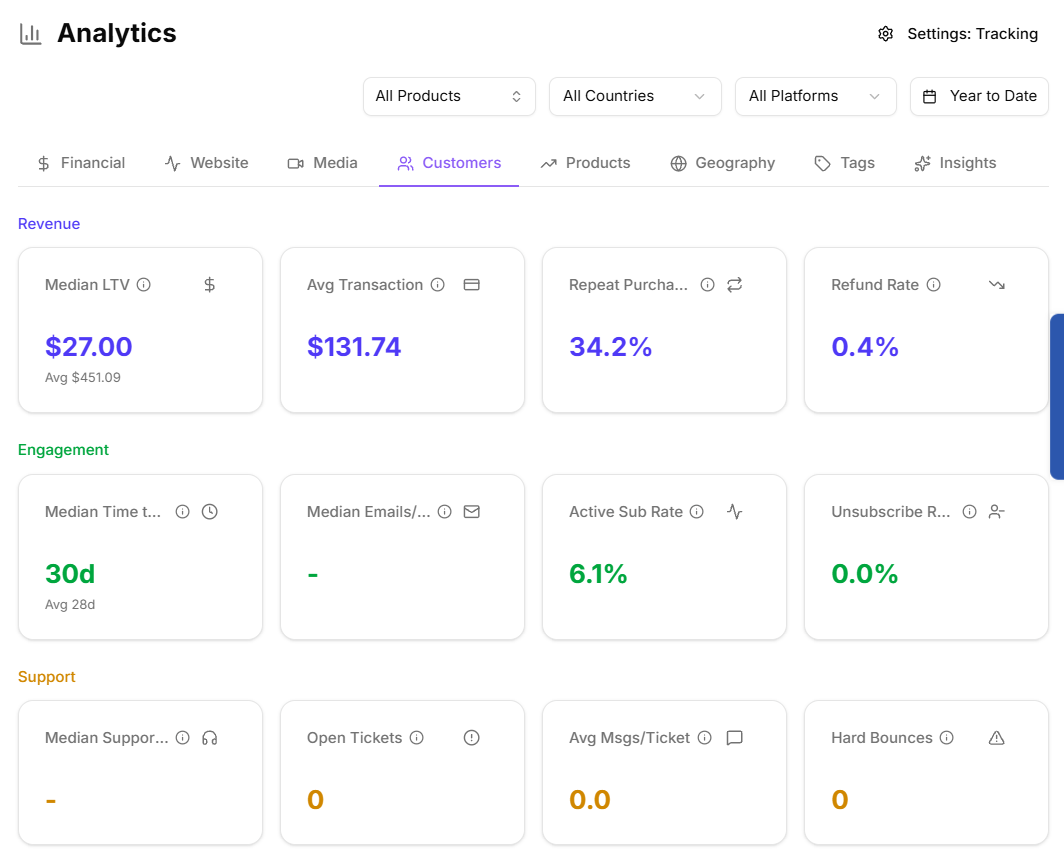
Customers
Customer-level analysis of your contact base. If you have not imported contacts yet, the page says so rather than showing empty charts.
Products
What is selling. Worth checking after any large import: transactions that could not be matched to a known product land on the Unmapped tab of the integrations page and will not appear here until you map them.
Geography
Where your customers are, which is the tab to reach for before deciding to translate a page, run a regional promotion, or worry about tax thresholds.
Tags
How your tags line up with revenue and behavior. This is the tab that shows whether a tagging scheme is doing any work: a tag that correlates with nothing is one you can stop maintaining.
Insights
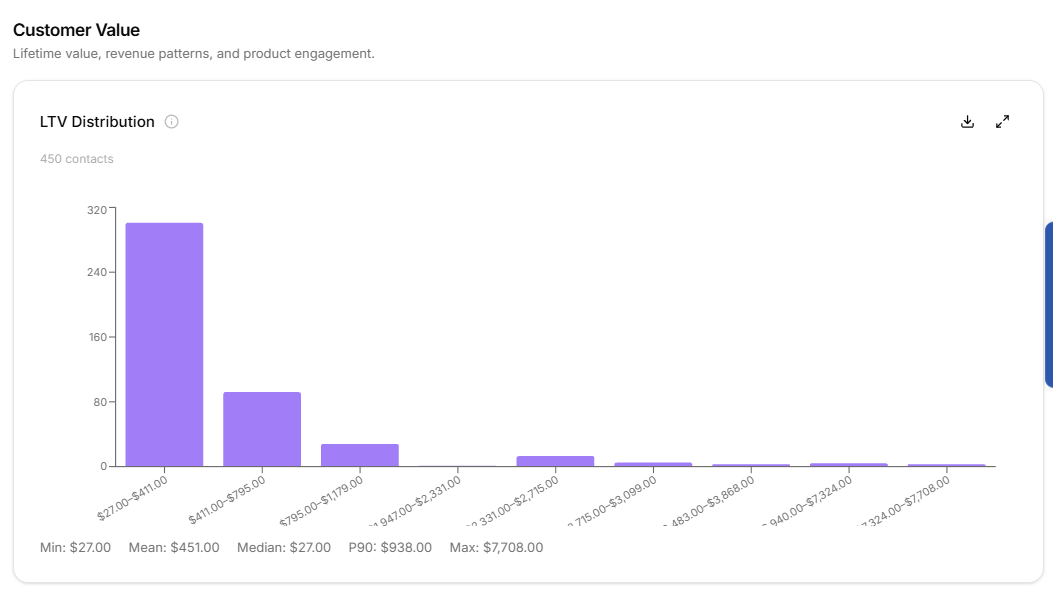
Prepared charts across your contact data, including Visitor → Customer funnel, Customer Funnel, Top pages by conversion, rate trend, Days to First Sale, LTV Distribution, Email vs Revenue, Product Overlap, At-Risk Timeline, LTV vs Support, Support Heatmap, and Platform Presence.
Segment results link through to these, so you can go from "who is in this segment" to "what does this segment look like".
The Insights charts
Bookmarking a view
The tab you are on lives in the page URL, as do the date range and filters on the Website tab. Any view you set up can be bookmarked or pasted into a message and your colleague sees the same thing.
A note on empty tabs
An empty tab in Analytics almost always means missing input rather than a broken feature:
Website empty: the tracking snippet is not installed on the pages you expect.
Products empty or thin: transactions are not mapped to products.
Customers empty: no contacts imported yet.